 Basalt Linux
About Basalt Linux
One simple idea: a computer that still works should still be useful.
Basalt Linux is a free operating system for everyday computers — especially the older ones that newer systems have left behind. It is built on Debian, uses the Xfce desktop, and gives those machines a modern, secure and pleasant system.
Nothing about Basalt asks you to change how you work. There is no new hardware to buy, no account to create and no subscription to keep. You install it — offline, in a few plain steps — and the computer is yours again.
Basalt is free and open-source software. Its packages and build tools are public for anyone to inspect, use and improve — the same openness it inherits from Debian and the wider free-software community.
Basalt Linux 1.3 at a glance
| Version | 1.3 “Obsidian” — released 16 November 2026 |
| Base | Debian (stable) |
| Desktop | Xfce 4.20, with the Basalt Wave wallpaper |
| Kernel | Linux 6.12 |
| Architecture | 64-bit (amd64) |
| Installer | Calamares — graphical, fully offline |
| Requirements | 2 GB RAM / 20 GB disk minimum · 4 GB RAM recommended |
| Boot | UEFI and legacy BIOS · Secure Boot supported |
| Price | Free — download, install and use without cost or accounts |
A short history
1.0 — Obsidian
7 June 2026. The first public release — the Obsidian series begins.
1.1 — Obsidian
15 June 2026. Refinements to the desktop, branding and the install experience.
1.2 — Obsidian
8 July 2026. The previous release in the Obsidian series.
1.3 — Obsidian
16 November 2026. The current release — and the one this website describes.
Support Basalt Linux
Basalt Linux is free and always will be. If it brought an old computer back to life for you and you would like to help keep the work going, you can support it with a small crypto donation. There is no account to create and nothing to unlock. Basalt stays free either way.
Bitcoin
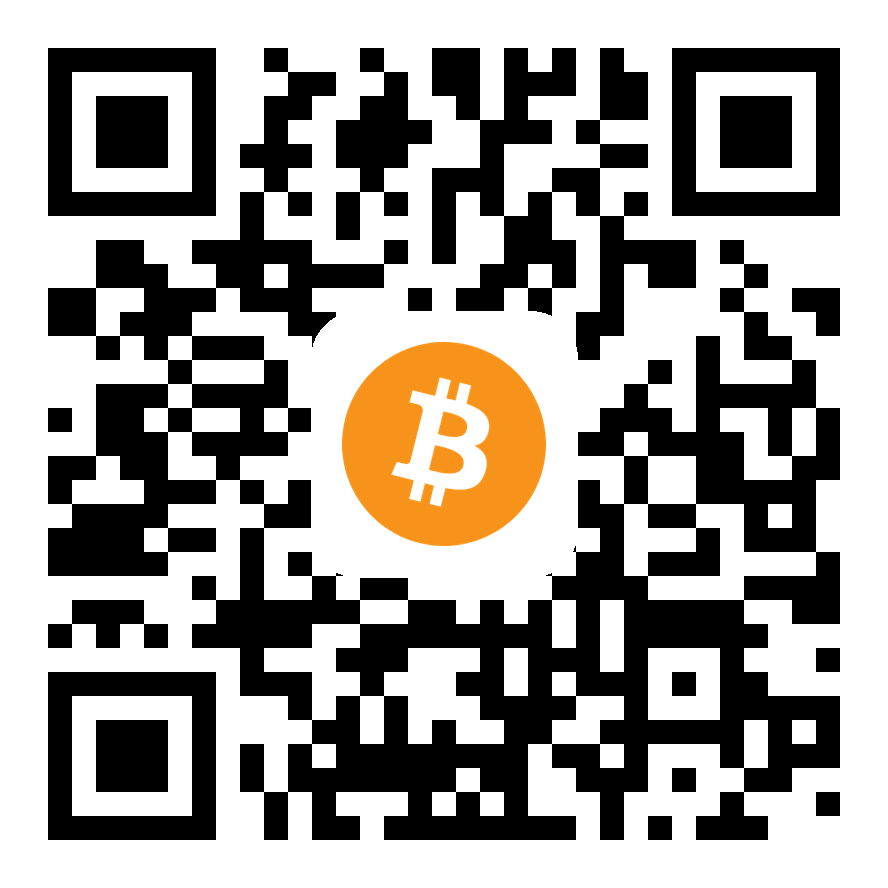
Bitcoin (BTC) on the Bitcoin mainnet. If scanning fails, copy and paste the address into your wallet.
USDT (Tether)

Send only USDT on the Tron (TRC20) network. If scanning fails, copy and paste the address into your wallet. USDT sent on another network cannot be recovered.