 Basalt Linux
What Basalt adds to Debian
Debian provides the foundation. Everything on this page is what Basalt builds, chooses and sets up on top of it, so an old computer feels like a good computer again.
The desktop, set up once and properly
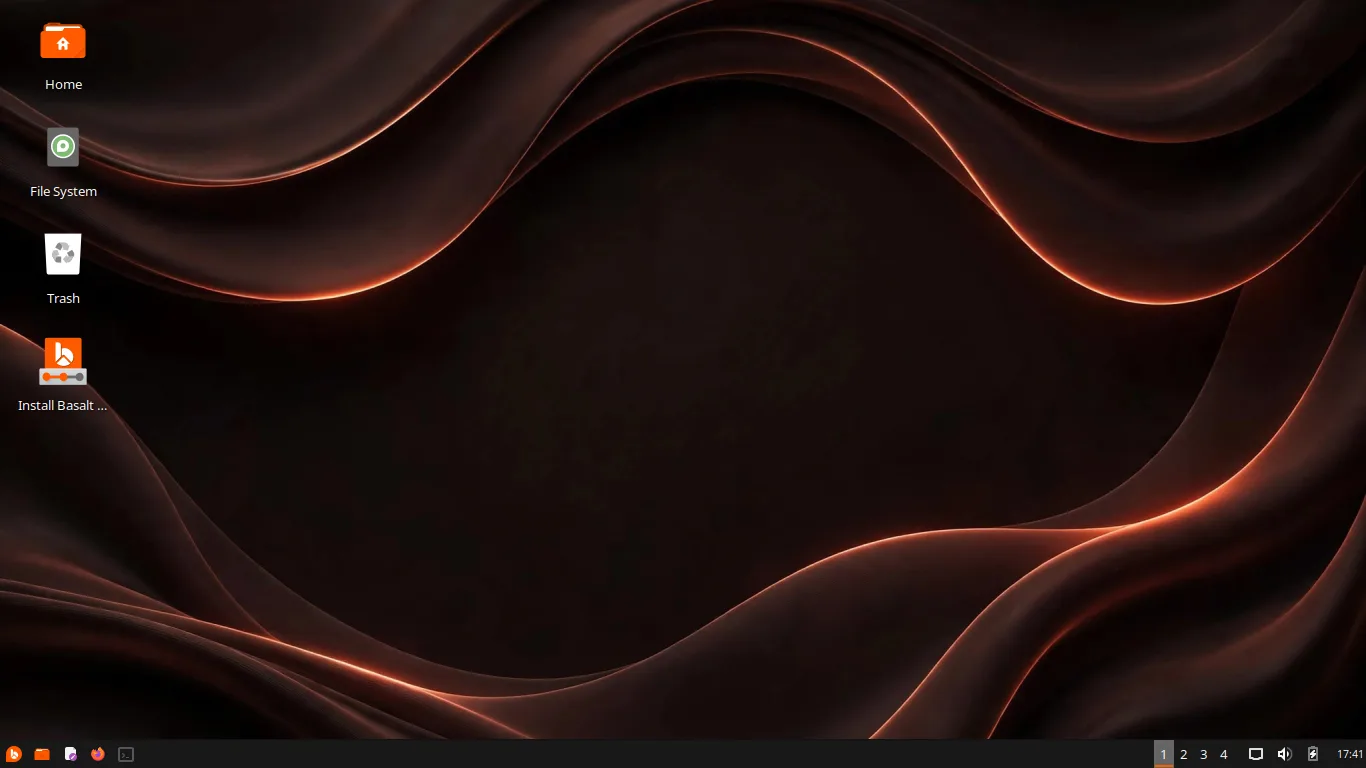
The Xfce desktop keeps everything where you expect it: a single panel at the bottom with the menu, your pinned apps, your open windows, workspaces, sound and the clock.
We set it up this way on purpose and tested it as one whole. Learn it in a minute; it stays out of your way for years.
A look of our own
Basalt wears its own themes, made and packaged by the project: the Basalt and Basalt Dark window themes, icons with orange folders, our own cursors, and the Wave wallpaper, blurred on the login screen and clear on the desktop.
Dark is the default, because that is how most people leave it. One trip to Settings changes any of it.
The Welcome app
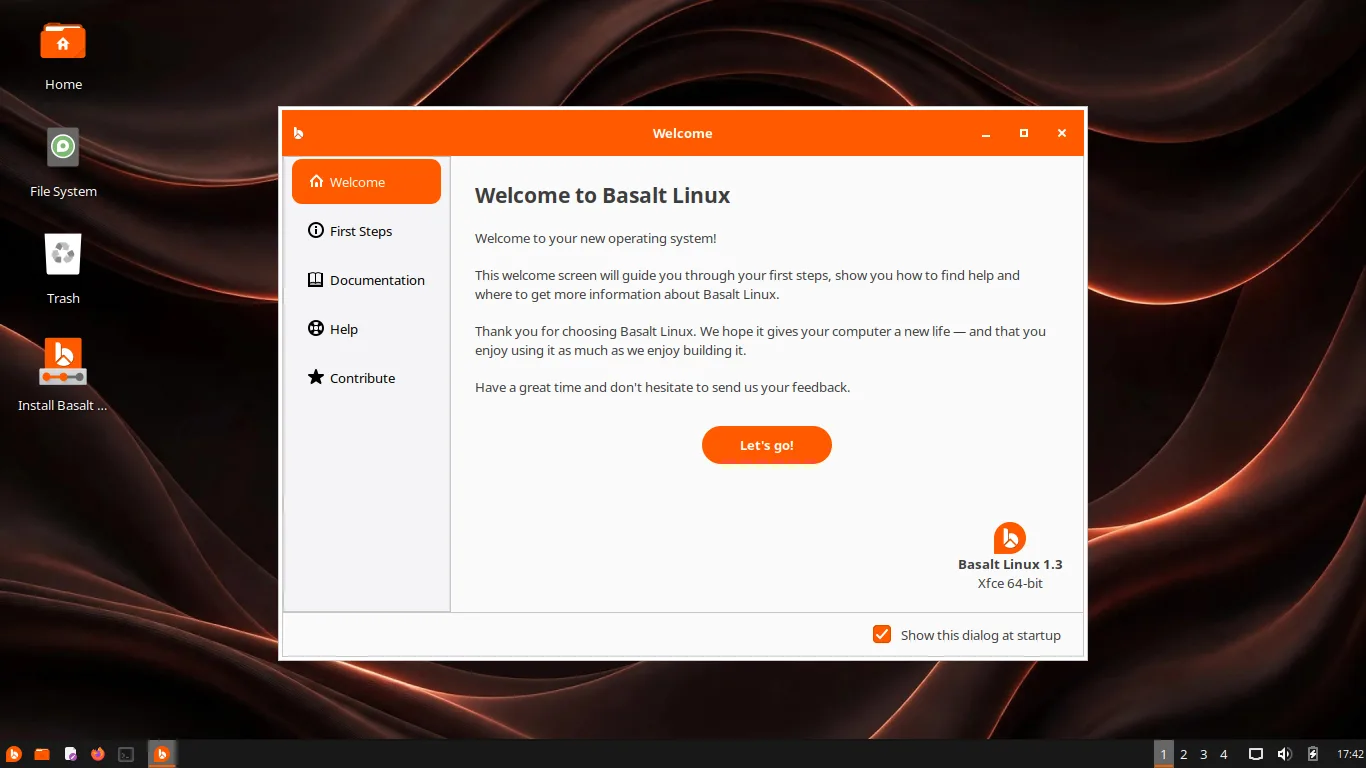
The first window after installing is ours too. It gathers your first steps, the guides and the community links in one place, so a new system never leaves you wondering what to do next.
The installer, our way
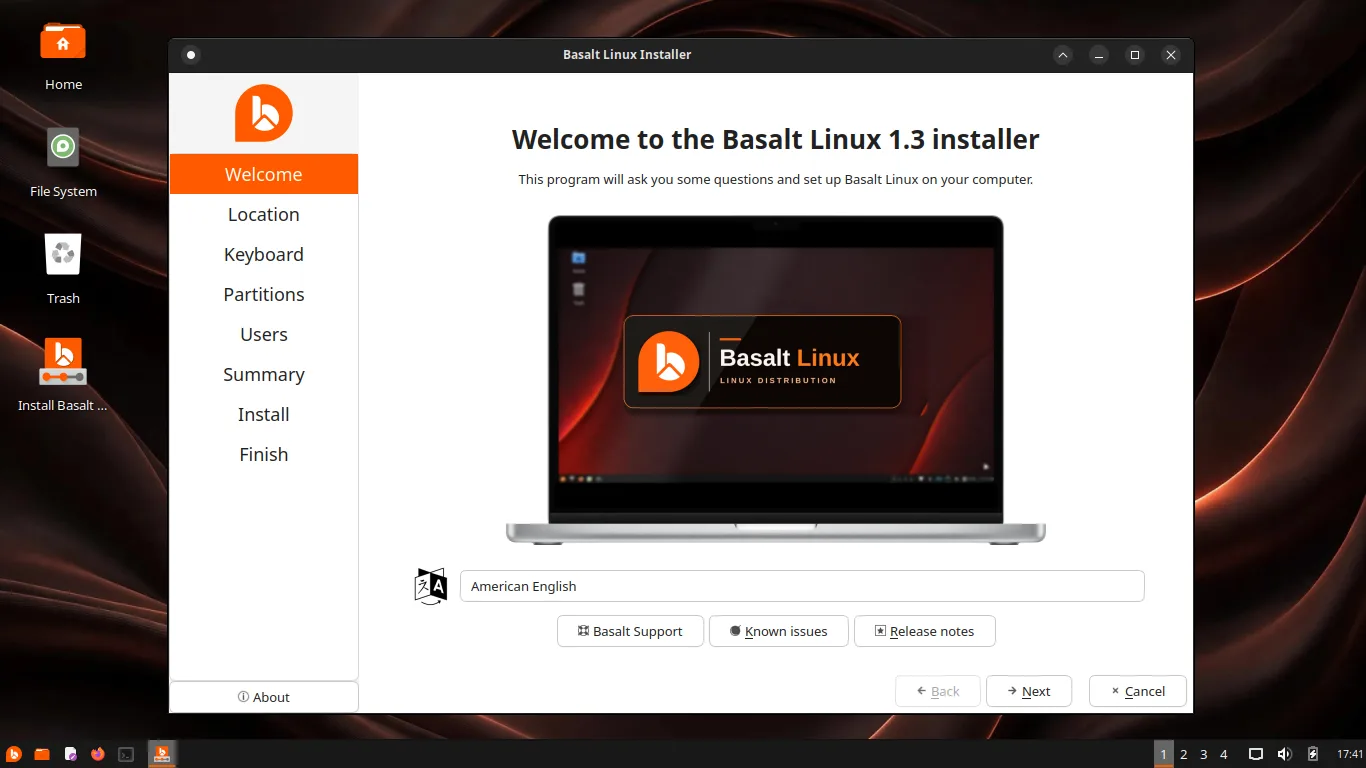
Clean white panels, orange accents and our own welcome page. The choices that matter are set by us: the partition layout, the swap options, and ext4, btrfs or xfs for the system.
And it works completely offline. No account, no sign up, no internet needed at any step.
Timeshift is configured as part of the system, so rolling back after a bad update works from the first day. Nothing for you to set up.
Office documents, photos, music and videos open as they are. The LibreOffice suite is part of the system, which is why Microsoft Office files behave.
Security updates arrive from Debian, and nothing installs itself silently. Secure Boot is supported, so Basalt sits happily alongside a modern Windows setup.
2 GB of RAM and 20 GB of disk is enough, on any 64-bit PC. The full numbers are in the system requirements.